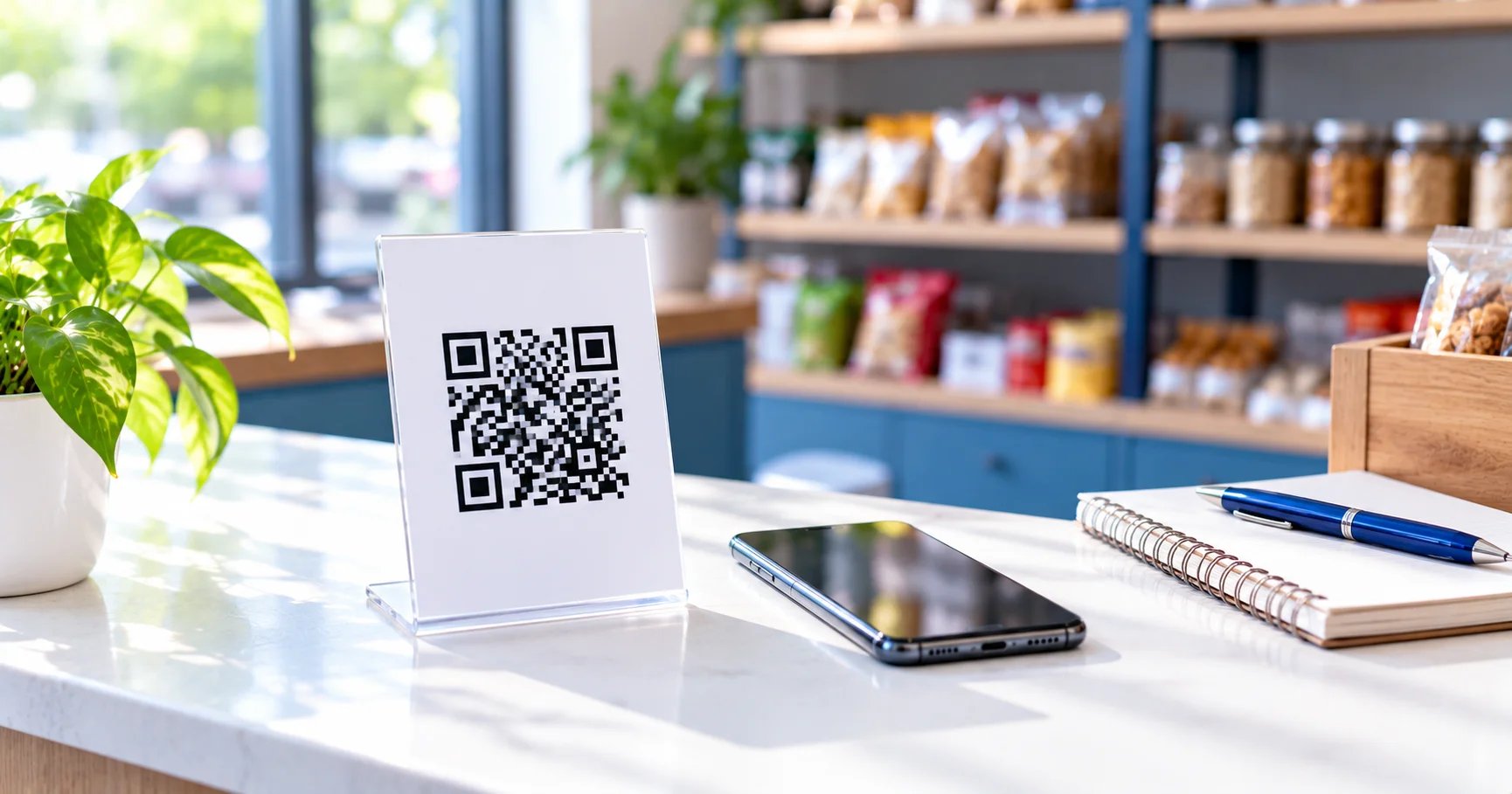
Most customers in India already pay with UPI and chat on WhatsApp. If you run a shop, clinic, salon, tuition centre or small online business, two free tools can put both to work: a UPI QR code for payments and a WhatsApp click-to-chat link for enquiries. This guide shows how to set both up in a few minutes and how to use them well.
Part 1: A UPI QR code for payments
Create it
- Open the UPI QR generator.
- Enter your UPI ID, for example
shopname@bank, and your business name as the payee name. - Leave the amount empty for a general counter QR, or enter an amount for a fixed price.
- Download the image, or use the print-ready shop display to make an A4 or A5 standee with your name and the QR.
The QR contains the standard UPI payment link, so it works with Google Pay, PhonePe, Paytm, BHIM, Amazon Pay and other UPI apps. The code is made in your browser, and we do not store your UPI ID.
Fixed amount or open amount?
An open-amount QR suits a counter where every bill is different, because the customer types the amount. A fixed-amount QR suits a single price, such as an entry fee, a monthly subscription or a standard service. Make one QR for each fixed price, and label each clearly.
Payment limits and fees
Banks and UPI apps set their own per-transaction and daily limits, which are commonly around ₹1 lakh, and these can differ by bank and by the purpose of the payment. The QR code itself has no limit. For larger or regular business payments, check your bank's rules and whether a business or merchant account suits you better.
Part 2: A WhatsApp link for enquiries
Create it
- Open the WhatsApp link generator.
- Choose your country code and enter your number. You can paste it with +91 or a leading 0, and the tool cleans it up.
- Add an optional pre-filled message, such as "Hi, I would like to know more about your classes".
- Copy the
wa.melink, or download the QR code for it.
When a customer taps the link or scans the QR, WhatsApp opens a chat with your number and your message already typed, so they only have to press send. They do not need to save your number first.
Where to put it
- Your Instagram bio, Facebook page and Google Business Profile (where supported).
- Your website's contact button and email signature.
- Posters, banners, visiting cards and packaging, as a QR code.
Print and place QR codes properly
- Size: at least 2 × 2 cm for close-range scanning. Make it bigger for posters and signs.
- Margin: keep a blank border of about 2 cm so phones can find the edges.
- Contrast: use a dark code on a light background. Avoid light colours, gradients and busy photos behind the code.
- Format: for print, use the SVG or the largest PNG so the edges stay sharp.
- Test: scan the printed copy with at least two or three different phones, in normal shop lighting, before you print more.
- Say what it does: add a short line such as "Scan to pay" or "Scan to chat on WhatsApp".
For other kinds of QR codes, such as a website, a phone number or an email, use the general QR code generator, and choose a higher error correction level if you add a logo.
Track which poster or post works
If you advertise in several places, you want to know which one brings customers. The simple method is one link per place:
- For a website link, use the UTM builder to add a source and a campaign, for example
?utm_source=window_poster&utm_medium=qr&utm_campaign=diwali. Your analytics then shows visits from that poster. - For WhatsApp, make a separate wa.me link or short link for each place and compare the number of chats each one starts.
- Keep a small note of which link is where, and review it after a few weeks.
The WhatsApp link generator has an optional short link button. It sends the link to a third-party shortening service, so use it only when you are happy with that.
Stay safe
- Scanning a QR or approving a request can only send money out of your account. You never have to scan, enter a PIN or approve anything to receive money.
- Check the payee name that appears in the app before you confirm a payment.
- Keep the printed QR where you can see it, so nobody can stick a different QR over yours.
- Tell your staff and customers about these points.
Frequently asked questions
Can I accept payments with a UPI QR code for free?
Yes. A UPI QR code is made from your UPI ID, so there is no cost to create it. Customers scan it with any UPI app and pay you directly. Any fees on payments depend on your bank or payment provider and the type of account, so check with them, especially for business accounts.
Should I put a fixed amount in the QR code?
Leave the amount blank for a general counter QR, so customers type the bill amount. Add a fixed amount only for a single price, such as an entry fee or a standard service. When an amount is set, the payer's app asks for exactly that amount, so make a separate QR for each fixed price.
What is a wa.me link?
A wa.me link is WhatsApp's official click-to-chat link. It looks like wa.me/919876543210 and can include a pre-filled message. When someone taps it, WhatsApp opens a chat with your number, so they do not need to save your contact first. It is free and works with any WhatsApp account.
How big should a printed QR code be?
Print at least 2 × 2 cm for scanning from close range, and make it larger for posters or signs that people scan from further away. Leave a blank margin of about 2 cm around the code, use a dark code on a light background, and test it on several phones before you print many copies.
How can I tell which poster or post brings customers?
Use a separate link for each place. For a website link, add campaign tags with a UTM builder so your analytics shows the source. For WhatsApp, create a different wa.me link or short link for each placement, such as your window poster, packaging and Instagram bio, and compare how many chats each one brings.
Is it safe to share a UPI QR code?
A UPI QR only contains your payment details, and scanning it can only send money to you. It cannot take money from your account. Still, share it only where you want to receive payments, and warn customers that they never need to scan a code or enter a PIN to receive money.
Sources and further reading
Last reviewed 26 October 2026 by the Gopafy team. Rules, rates and prices change, so confirm anything important with the official source.
Try these free tools
- UPI QR Generator Make a UPI payment QR code from your UPI ID with an optional amount and note. Works with any UPI app. Download it or…
- WhatsApp Link Generator Create a wa.me WhatsApp link with a pre-filled message and a matching QR code. Enter the number with country code,…
- QR Code Generator Create QR codes for links, WiFi, WhatsApp, email and more with colours and a logo. Download PNG or SVG. Static codes…
- UTM Builder Add utm_source, utm_medium and utm_campaign to any link so Google Analytics can track it. Checks the URL and keeps names…
Need a website, SaaS or digital campaign?
Tell us what you need and we'll get back within 48 hours.
Start your projectCall us for quick response +91 89042 76807